Best free video editor for windows in 2025

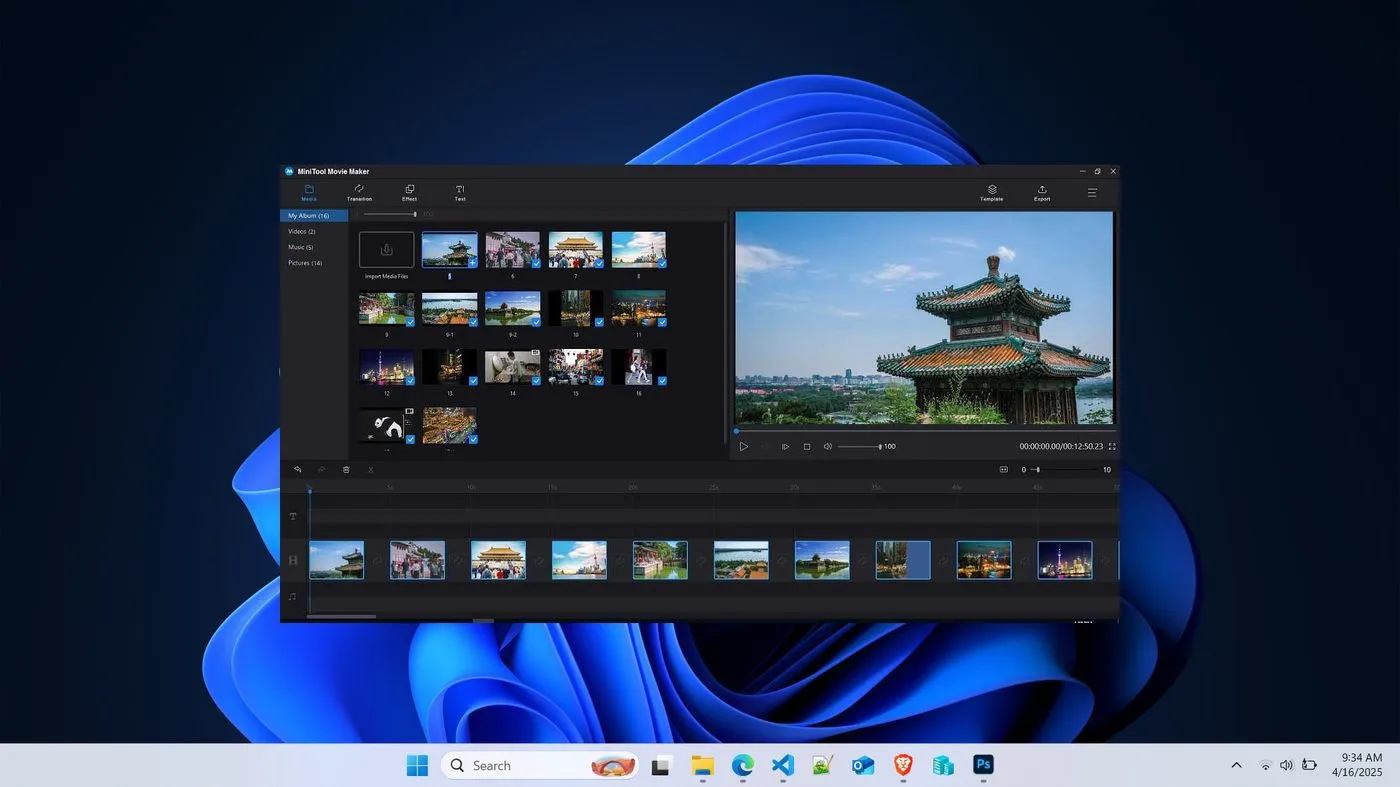
Here are some of the best free video editors for Windows in 2025 that are powerful, feature-rich, and beginner-friendly:
🏆 1. DaVinci Resolve (Free Version)
- Best for: Professional editing, color grading
- Pros: Advanced editing tools, Hollywood-level color correction, supports 4K
- Cons: Steeper learning curve, heavy on system resources
- Website: https://www.blackmagicdesign.com/products/davinciresolve
🎬 2. HitFilm Express (Now called FXhome Express)
- Best for: YouTube videos, VFX and motion graphics
- Pros: VFX tools, built-in tutorials, modern UI
- Cons: Registration required, some features behind paid add-ons
- Website: https://fxhome.com/hitfilm
🎥 3. CapCut (Desktop Version)
- Best for: Quick edits, social media content (TikTok, Reels, etc.)
- Pros: Very easy to use, templates, text effects, transitions
- Cons: Not as advanced for professional editing
- Website: https://www.capcut.com/
✂️ 4. Shotcut
- Best for: Open-source lovers, simple timeline editing
- Pros: No watermark, wide format support, customizable interface
- Cons: Slightly clunky interface
- Website: https://shotcut.org/
🔧 5. OpenShot
- Best for: Beginners and casual editors
- Pros: Very easy to learn, drag-and-drop interface, basic transitions/effects
- Cons: Limited advanced features, can lag with large files
- Website: https://www.openshot.org/
🧰 6. VSDC Free Video Editor
- Best for: Lightweight editing on low-end PCs
- Pros: Works well on older systems, many filters and effects
- Cons: Interface is a bit outdated, steep learning curve for beginners
- Website: https://www.videosoftdev.com/
Originally published on faizulkarim.com.
Last updated on .